Apparel Pattern Making & CAD Development
Patterns drafted, corrected and graded in CAD by our own pattern room — and exported as DXF files for the styles you own.
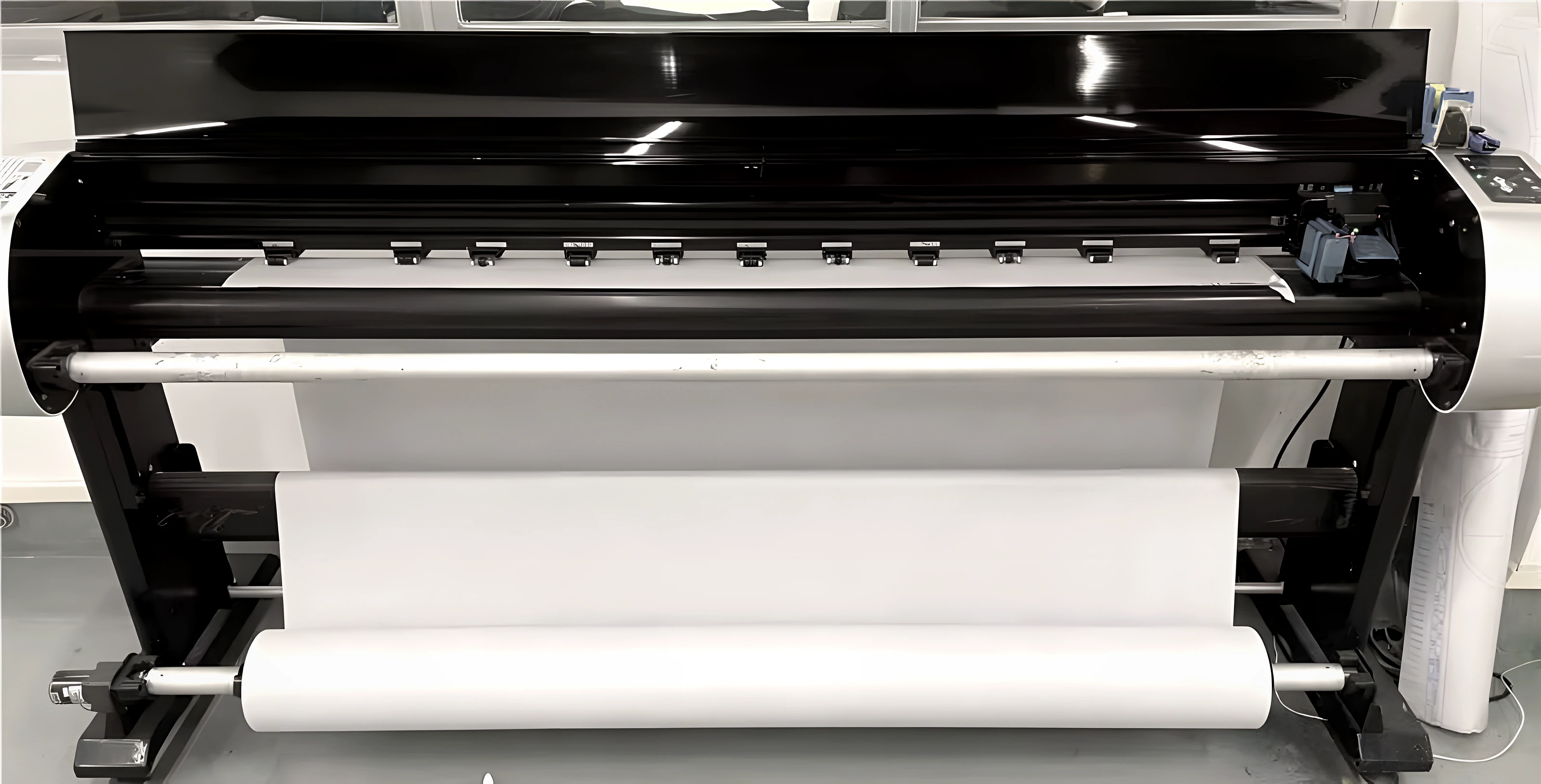
The pattern is the garment.
Fit, balance and fabric consumption are all decided in the pattern. MANLOR keeps that work in-house: our pattern room drafts from your tech pack, sketch or reference garment, digitises existing paper patterns, corrects the pattern in CAD after every fit session and grades it across your size range.
Because the corrected CAD file is the one that is plotted and cut, there is a single source of truth from proto to bulk. When a style is yours, that file is yours too: we export it as DXF so your team or another factory can work from it.
What the pattern room does.
-
01
Pattern drafting
New patterns from your spec, sketches or a reference garment.
-
02
Digitising
Paper patterns converted into CAD so they can be corrected, graded and plotted.
-
03
Fit correction
Each fit comment applied in CAD and the change recorded before the next sample.
-
04
Grading
Grade rules per point of measure, checked on a size set before bulk.
-
05
Markers & consumption
Markers plotted full size and fabric consumption calculated for costing.
Files you can receive.
| File | What it contains | When |
|---|---|---|
| DXF pattern files | Pattern pieces with grain lines, notches and grading | For styles you own, once the pattern is approved |
| Graded measurement spec | Points of measure and tolerances for every size | With the size set |
| Fabric consumption | Consumption per garment from the marker | With costing |
| Fit comment log | Numbered comments, photos and the pattern change made | After each fit round |
The DXF variant your system needs is confirmed with a test file before export. Base patterns of private-label styles remain MANLOR's and are not exported.
How patterns move.
- 01 · Receive
Tech pack, sketches, a reference garment, paper patterns or your DXF files.
- 02 · Draft or import
Patterns drafted or digitised in CAD; imported DXF checked for piece count and grading.
- 03 · Fit and correct
Fit sessions on form and live model; corrections made in CAD.
- 04 · Grade and export
Graded, checked on a size set, and exported as DXF for the styles you own.
Pattern principles.
Your patterns, your property
Patterns for exclusive OEM and ODM styles belong to your brand, confirmed in writing.
Checked before trusted
Imported files are checked for missing pieces, notches and grade before cutting.
One file, proto to bulk
The corrected CAD file is the one plotted and cut; every change is logged.
Pattern Making & CAD FAQ.
Can you work from our DXF patterns?
Yes. Send DXF files with your tech pack; we check that every piece, notch and size opens correctly before cutting the first sample.
Which CAD system do you use?
We confirm compatibility with your system by exchanging a test file, so you know your patterns transfer correctly before any work starts.
Do we own the patterns you make?
For exclusive OEM and ODM styles, yes, confirmed in writing before development, and exported as DXF on request. Private-label base patterns stay with MANLOR.
Can you grade to our size chart?
Yes. Send your size chart or grade rules; grading is checked on a size set before bulk.
Go deeper.
The Fashion Tech Pack Checklist
A complete tech pack is the fastest route to an accurate quote and a right-first-time sample. Use this checklist before you send a womenswear or menswear style to any manufacturer.
Read the guideGuide · 7 min readFit Approval & Measurement Control
Fit is decided in the pattern room and protected on the production line. Measurement control is how the fit you approved becomes the fit your customers receive.
Read the guideSampling & FitSampling & Fit
Clothing sample development in China for fashion brands: a written process from prototype and fit sample to the sealed PP sample.
ExploreSubmit a development brief.
Product, fabric, quantity and timing — a complete brief gets a precise proposal.
What are you looking to develop?
Send Your Patterns or Brief